Buying Guides
Smart Bulb Buying Guide for Sri Lanka: What to Check Before You Buy
A smart bulb is both a lighting product and a connected electronic device. In Sri Lanka, electrical rating, local support and long-term software quality matter as much as app features.
Key takeaways
- Check the lamp's input-voltage rating before features or colour modes.
- Compare brightness using lumens, not watts alone.
- For colour quality, look beyond RGB and check white-light CRI and CCT range.
- A smart bulb depends on its app, cloud service, firmware updates, account security and support — evaluate the ecosystem, not only the hardware.
- Prefer transparent local warranty, pricing and support information.
1. Start with the electrical rating
Sri Lanka uses a nominal 230/400V low-voltage system. PUCSL material discusses permitted voltage variation around the nominal supply and references the Sri Lanka Standard voltage specification. A lamp should be explicitly rated for the supply and installation in which it will be used.
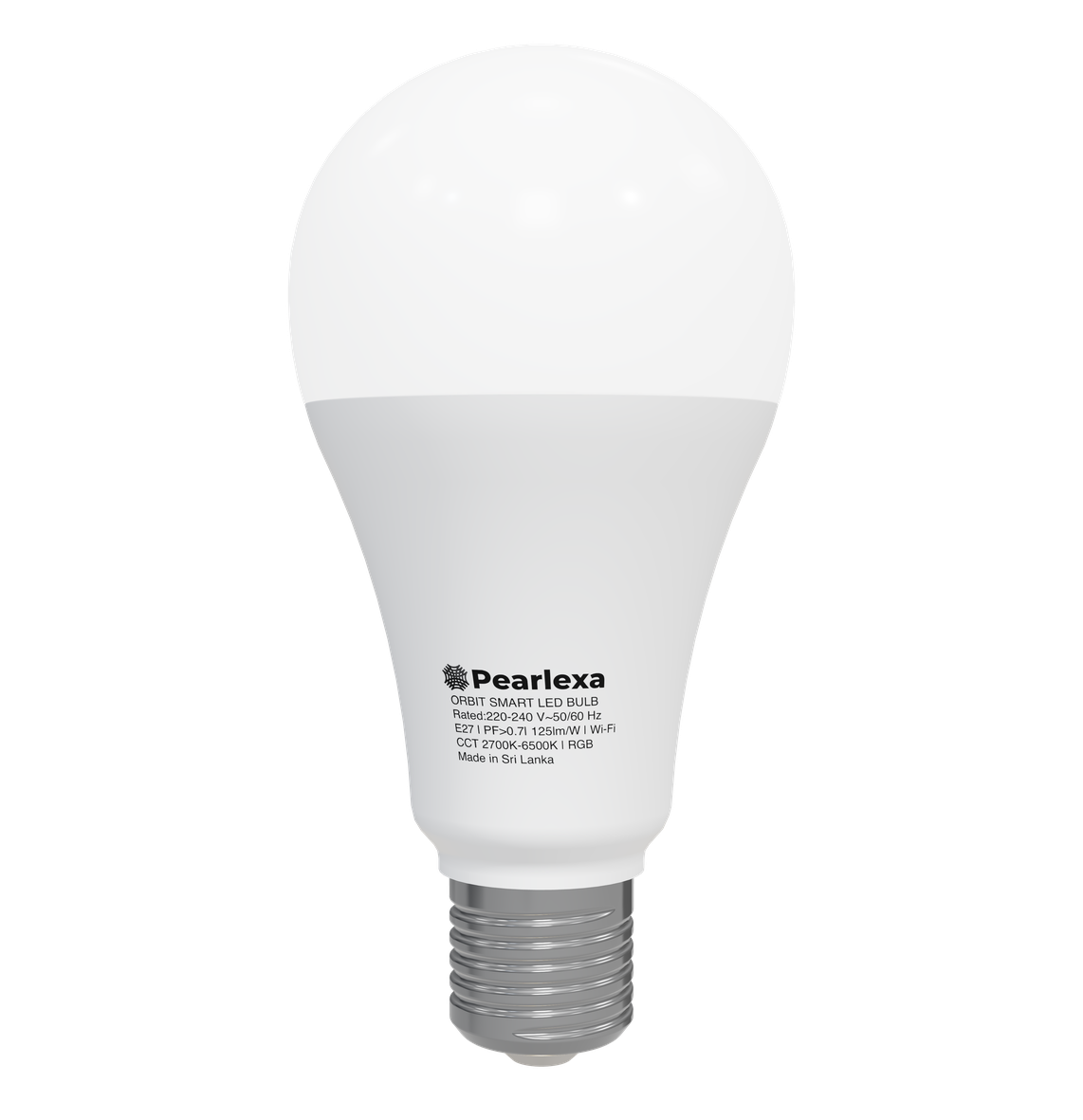
Orbit Standard is rated for 220–240V AC, 50/60Hz. Orbit Pro is designed for a wider 90–260V AC range. A wider input range can improve tolerance to supply variation, but it is not a substitute for surge protection, correct wiring or a safe electrical installation.
Electrical safety first
If a fitting, wiring condition or supply behaviour is uncertain, use a qualified electrician. Do not use a smart bulb outside its published electrical ratings.
2. Check the lamp base and physical fit
E27 is common in Sri Lankan residential lighting, but not every fitting is E27 and not every shade has the same internal clearance. Confirm the base type, bulb dimensions, enclosure and heat conditions before buying.
Smart bulbs contain more electronics than a simple LED lamp. Avoid tightly enclosed fittings unless the product is specifically rated for that thermal environment, because trapped heat can reduce electronics and LED lifetime.
3. Compare lumens before watts
Watts describe electrical input. Lumens describe visible light output. For a main room light, a low-watt smart bulb can still be too dim if its lumen output is low.
Orbit Standard targets approximately 1600 lm at 4500K from 14W, while Orbit Pro targets approximately 1900–2000 lm at 4500K. The number of lamps you need still depends on room area, ceiling height, wall colours and fixture placement.
Read the lumens vs watts guide4. Do not judge a smart bulb only by RGB colours
Most day-to-day use is white light. Check the white-light colour temperature range, colour rendering, brightness and dimming quality, not only whether the app can show millions of colours.
A 2700K–6500K tunable-white range covers warm evening light through cooler task-oriented white. CRI above 90 is useful when you care about natural-looking skin tones, food, fabrics and interior finishes.
Understand CRI before you buy5. Check Wi-Fi, Bluetooth and provisioning requirements
Many smart bulbs use 2.4GHz Wi-Fi because it offers good range and compatibility for IoT devices. Bluetooth can also be used for provisioning or local interactions. Read the product requirements before purchase, especially if your home network uses unusual SSID, isolation or enterprise settings.
The setup experience matters. A product with excellent LEDs can still be frustrating if provisioning is unreliable or if the app does not clearly explain network errors.
6. Treat the app and cloud service as part of the product
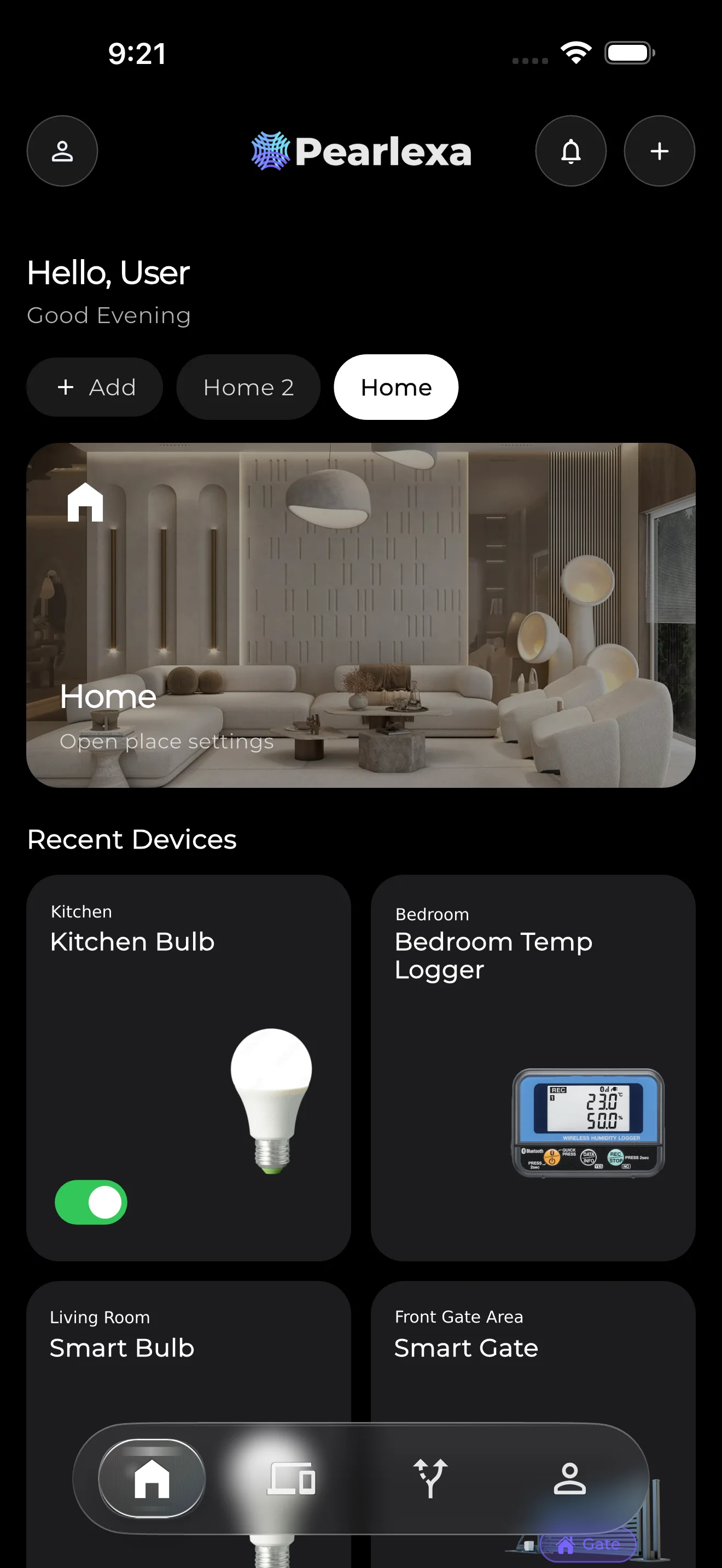
A connected bulb is not finished when the hardware leaves the factory. Account security, firmware updates, device sharing, schedules, groups, diagnostics and cloud reliability all contribute to the long-term ownership experience.
Check which third-party ecosystems are supported today and which are only announced for the future. Pearlexa currently lists Pearlexa One as its native ecosystem and states that third-party ecosystem integrations are not currently included rather than presenting unsupported features as available.
7. Look for local warranty and a real support path
Smart lighting combines LEDs, a driver, a microcontroller, wireless connectivity and software. When something goes wrong, you want a company that can diagnose both the electrical and software sides of the product.
Check the written warranty period, exclusions, claim process and local contact method. Orbit Standard and Pro carry a 3-year warranty subject to Pearlexa's published terms and Pearlexa Care process.
Read Pearlexa Care and warranty information8. Compare total value, not only the lowest listed price
A useful price comparison includes brightness, colour quality, electrical design, warranty, app quality, update support and local service. A cheaper bulb that is dim, poorly supported or difficult to provision may not be better value over its life.
For Pearlexa products, use the Sri Lanka product page as the source of truth for current price and availability. Editorial content intentionally avoids hard-coded prices so that an article does not become misleading when commerce pricing changes.
Check Orbit Standard price in Sri LankaSources and further reading
Pearlexa uses primary technical and regulatory sources where practical. External sources remain the property of their respective publishers.
Editorial & intellectual-property note
This article explains public product characteristics and general engineering principles. Pearlexa does not publish confidential schematics, source code, security keys, proprietary protocols, manufacturing tolerances or unpublished design files. Text and original Pearlexa imagery are © Pearlexa Pvt Ltd unless otherwise stated.
Read our editorial policy